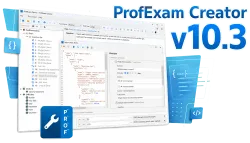
Discover the ProfExam Creator 10.7.0.534 update. Experience faster performance with .NET 10, a new PDF import engine, and advanced exam management tools.
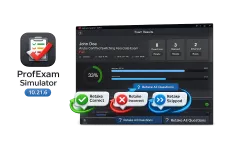
New in ProfExam Simulator 10.21: retake incorrect, correct, skipped, or all exam questions directly from the results screen for more effective certification exam preparation.
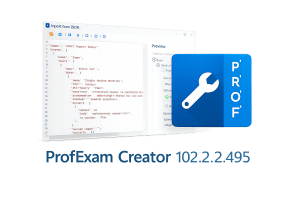
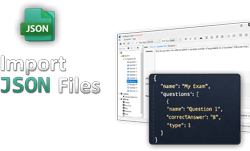
Import from JSON is a new window in ProfExam Creator 10.2.2.495 that lets you load questions from a JSON file directly into your exams - with a built-in editor, live preview, and flexible import options
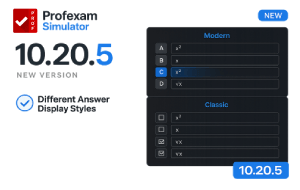
ProfExam Simulator 10.20.5 release notes: keyboard shortcuts, Modern and Classic answer display modes, Linux AppImage, macOS fix, and more.
ProfExam Simulator just got better - discover the latest update featuring rich text formatting in questions and answers, Alt+Left/Right keyboard shortcuts, an improved Finish Test dialog, and a new Linux .deb package.
ProfExam Creator 10.1.1.302 introduces exam printing (Ctrl+P or toolbar), prints questions and answers separately, and fixes a Drag and Drop issue.
Learn how to import JSON files into ProfExam Creator and automatically create exams. This guide covers JSON structure, supported question types, and practical examples for fast exam generation.
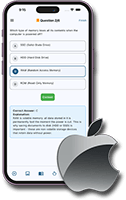
ProfExam Mobile for iOS is a powerful exam simulator app. Practice tests, track progress, and prepare for exams anytime on your iPhone or iPad.
ProfExam 10 has been released. This major update brings many improvements and changes, which we’ll cover in upcoming posts.
ProfExam Creator just got faster and more reliable! Discover what’s new in the latest update, including smarter file importing and key fixes.