ProfExam Simulator

Professional exam simulation and assessment platform
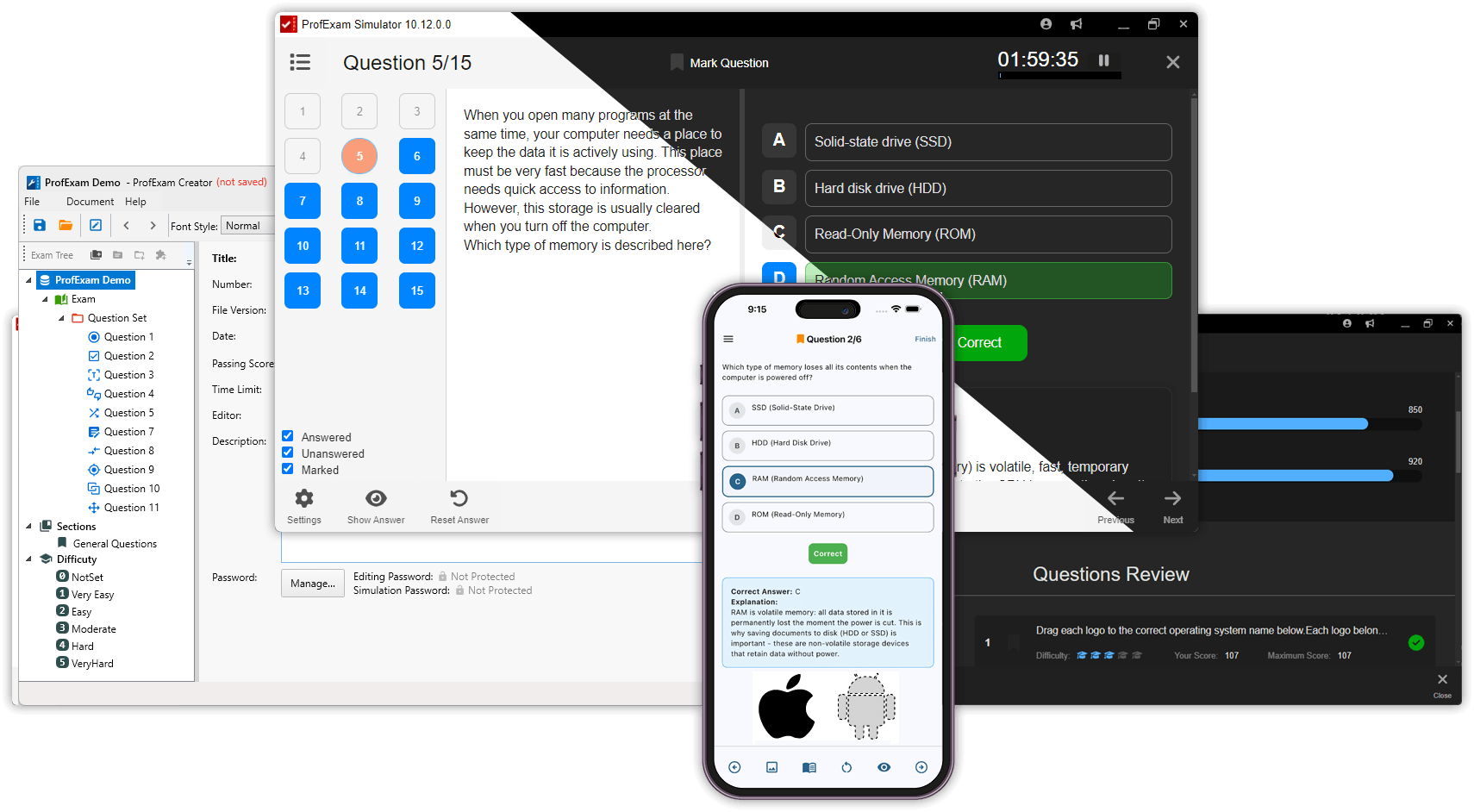
ProfExam Simulator - main window, testing, and results

ProfExam Simulator is a powerful cross-platform application designed for exam preparation, assessment, and controlled testing. It is used both by individual learners and educational institutions to deliver realistic exams, evaluate knowledge, and analyze results.
Whether you are preparing for certification or conducting exams for students, ProfExam Simulator provides everything you need - in one application.

Available for Windows, macOS, and Linux.
 Buy Now $29.95
No subscription
Key Features of ProfExam Simulator

Realistic Exam Environment

Simulate real examination conditions with confidence.

ProfExam Simulator recreates the structure and pressure of real exams, making it suitable for both exam preparation and formal assessments in educational institutions.

The application enforces a focused exam flow with minimal distractions, ensuring that results reflect real knowledge and readiness.

Key features:

  • Structured exam flow similar to real certification systems
  • Optional time limits to simulate exam pressure
  • Controlled question navigation
  • Clean, distraction-free exam interface

Exam Simulator - Realistic Exam Environment

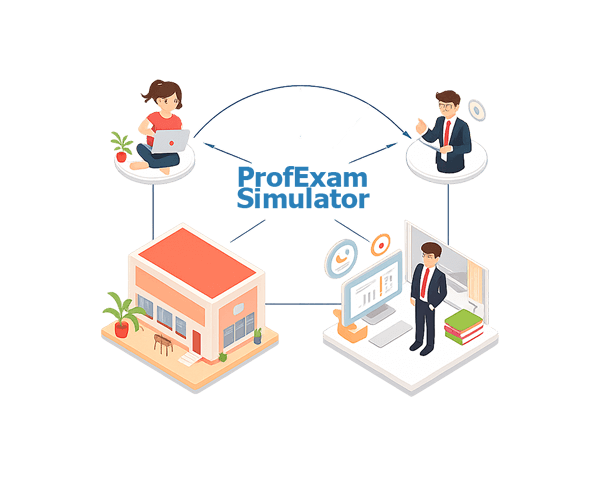
ProfExam Simulator - Designed for Preparation and Examination

Designed for Preparation and Examination

One platform for learning, assessment, and formal exams

ProfExam Simulator is designed to serve both individual learners and educational institutions. The same exam can be used for personal preparation, classroom assessments, or controlled examinations without changing its structure.

This makes ProfExam Simulator a flexible solution for a wide range of educational and professional scenarios.

Key Features:

  • Suitable for self-study, classroom exams, and institutional testing
  • No need to create separate exam versions for different purposes
  • Consistent exam behavior across all scenarios
  • Works equally well for individual users and organizations

Multiple Testing Modes

Adapt the exam experience to different learning and assessment goals

ProfExam Simulator offers multiple testing modes that allow you to adjust how exams behave depending on whether the goal is learning, practice, or formal evaluation.

Each mode provides a different balance between guidance and control, making the same exam suitable for various scenarios.

Key Features:

  • Training Mode with immediate feedback
  • Practice Mode with optional hints and explanations
  • Virtual Exam Mode with strict exam conditions
  • Easy switching between modes without modifying the exam

ProfExam - Multiple Testing Modes

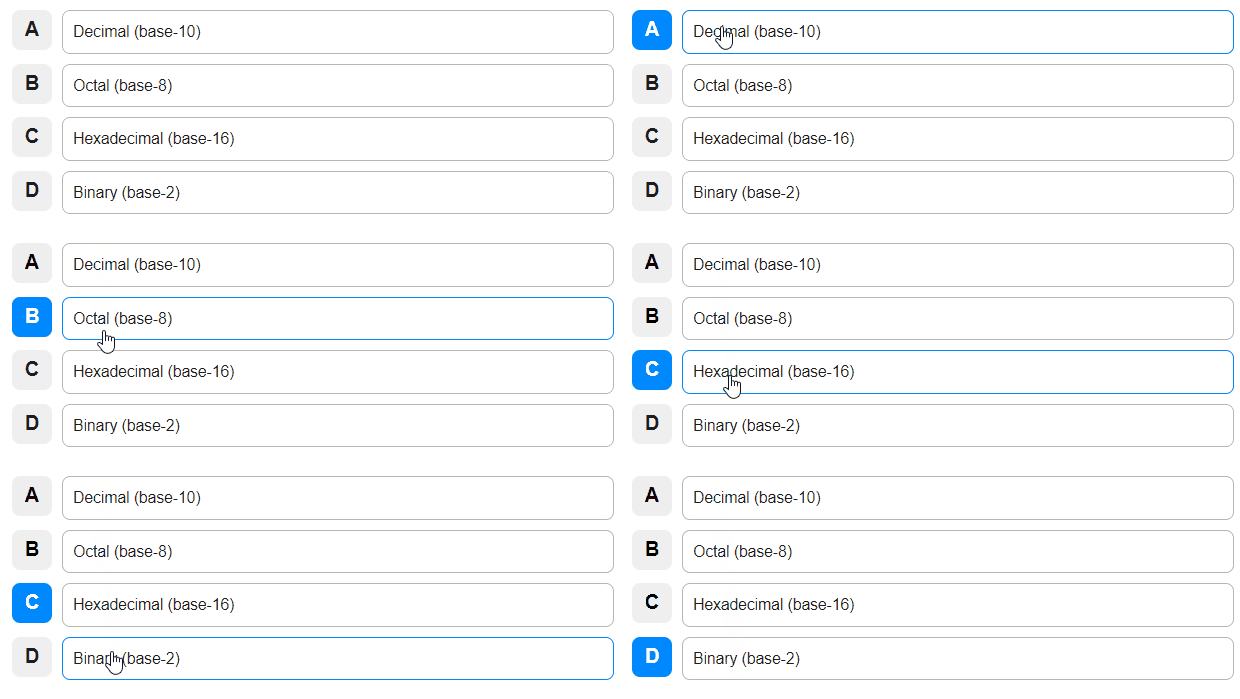
ProfExam Simulator - Question Single choice

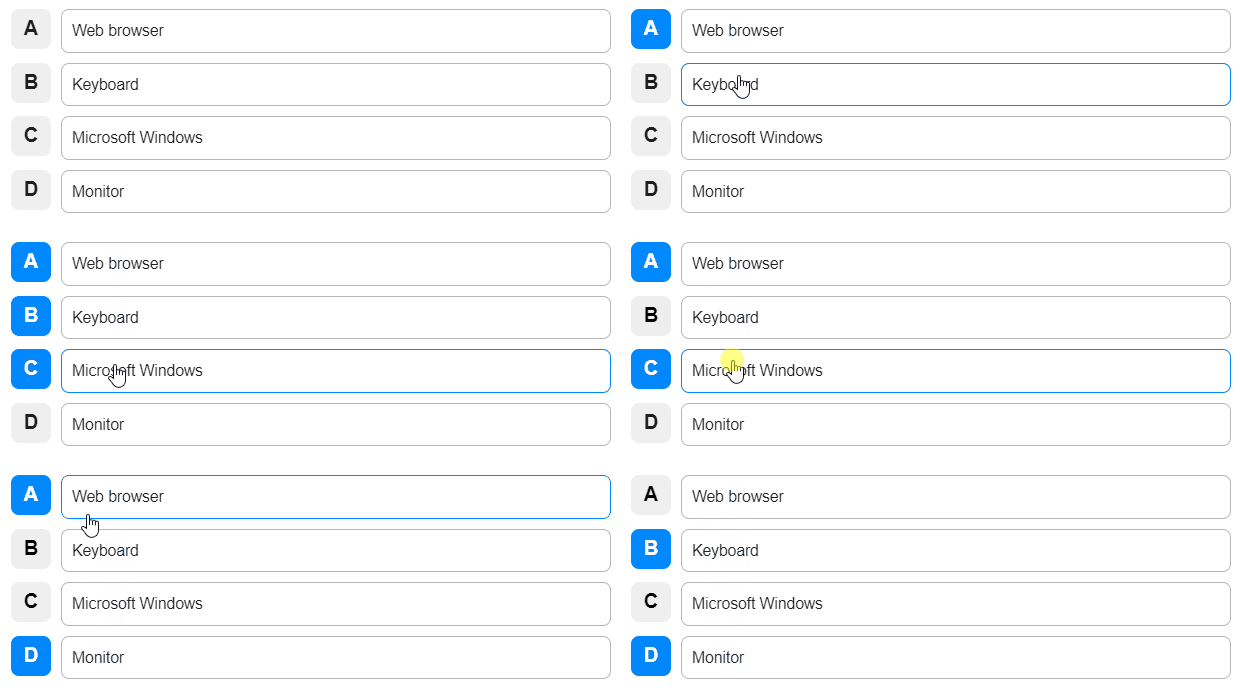
ProfExam Simulator - Question Multiple choice

ProfExam Simulator - Question Filling in blanks

ProfExam Simulator - Question Hot Point

ProfExam Simulator - Question Hot Area

ProfExam Simulator - Question Question Drag & Drop

ProfExam Simulator - Question Yes/No

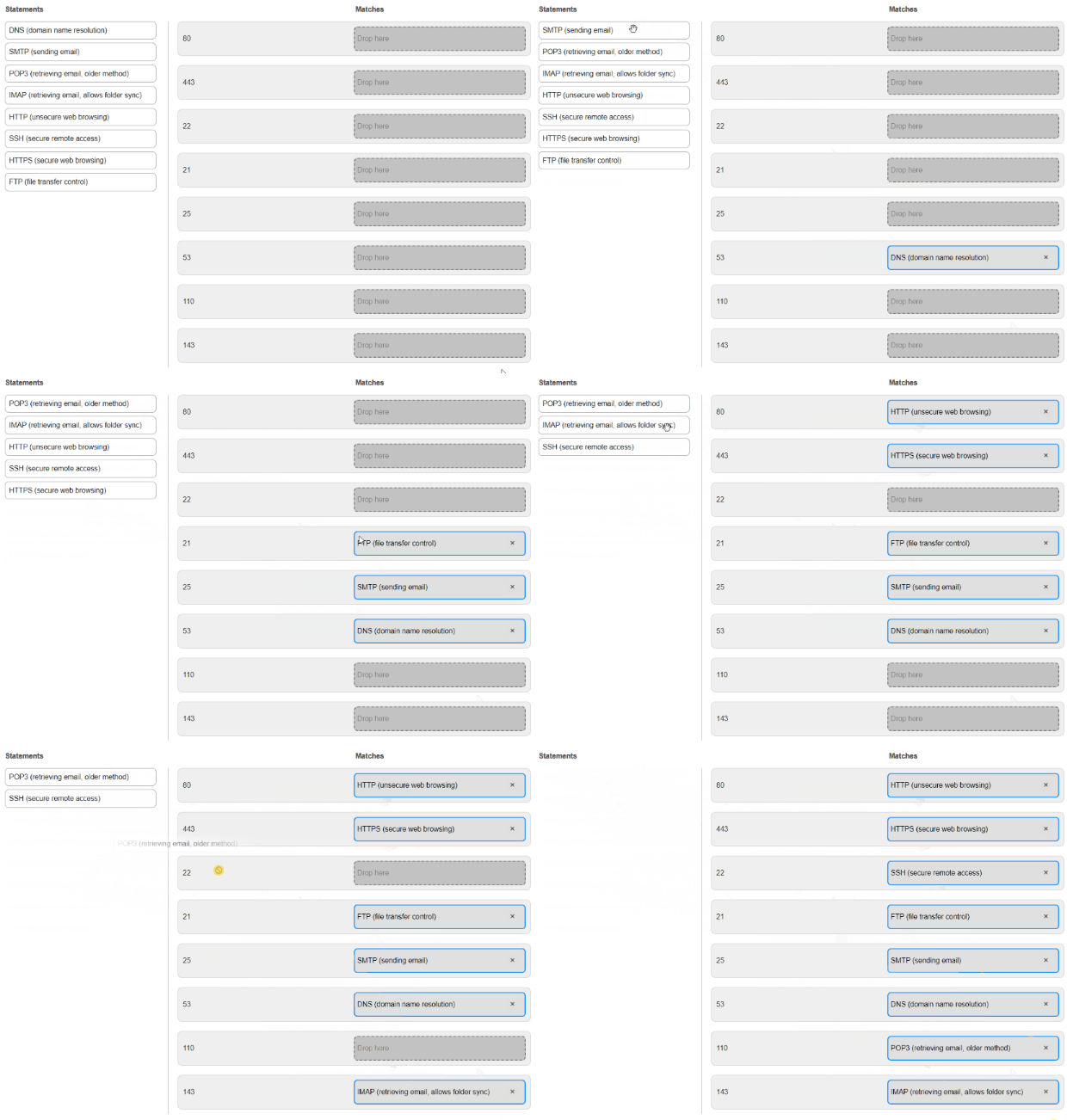
ProfExam Simulator - Question Match the Following

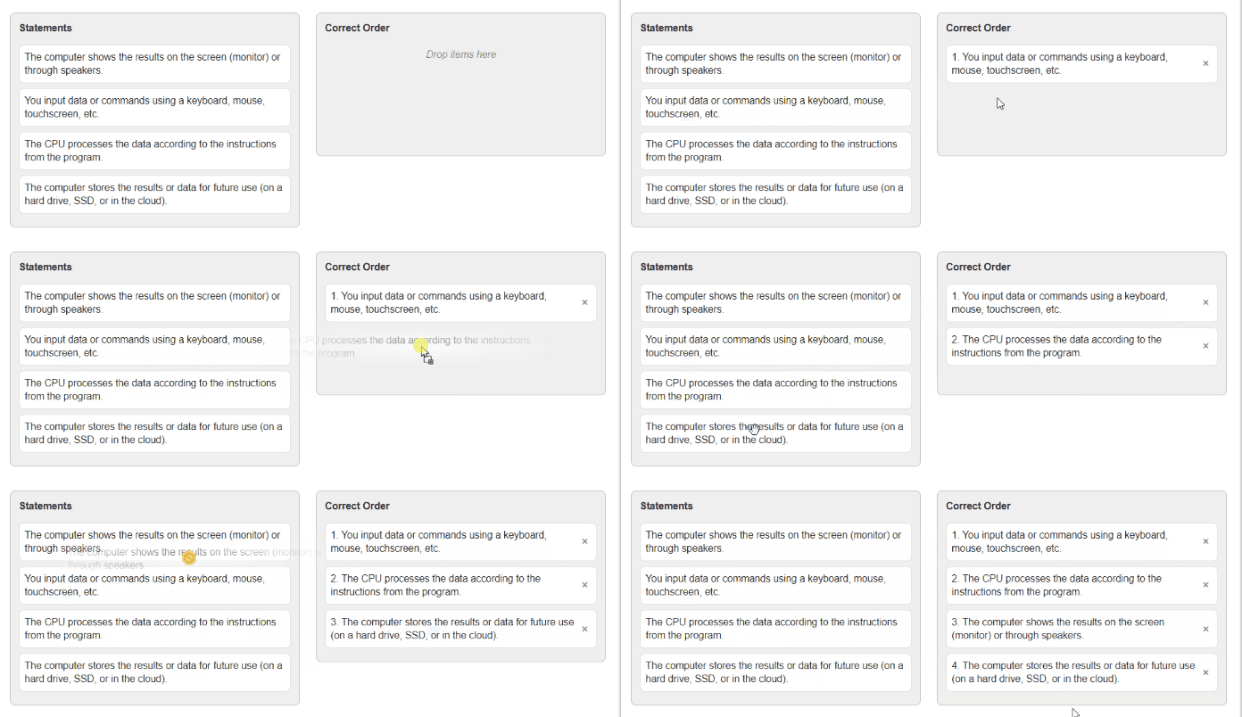
ProfExam Simulator - Question Reorder the Statements

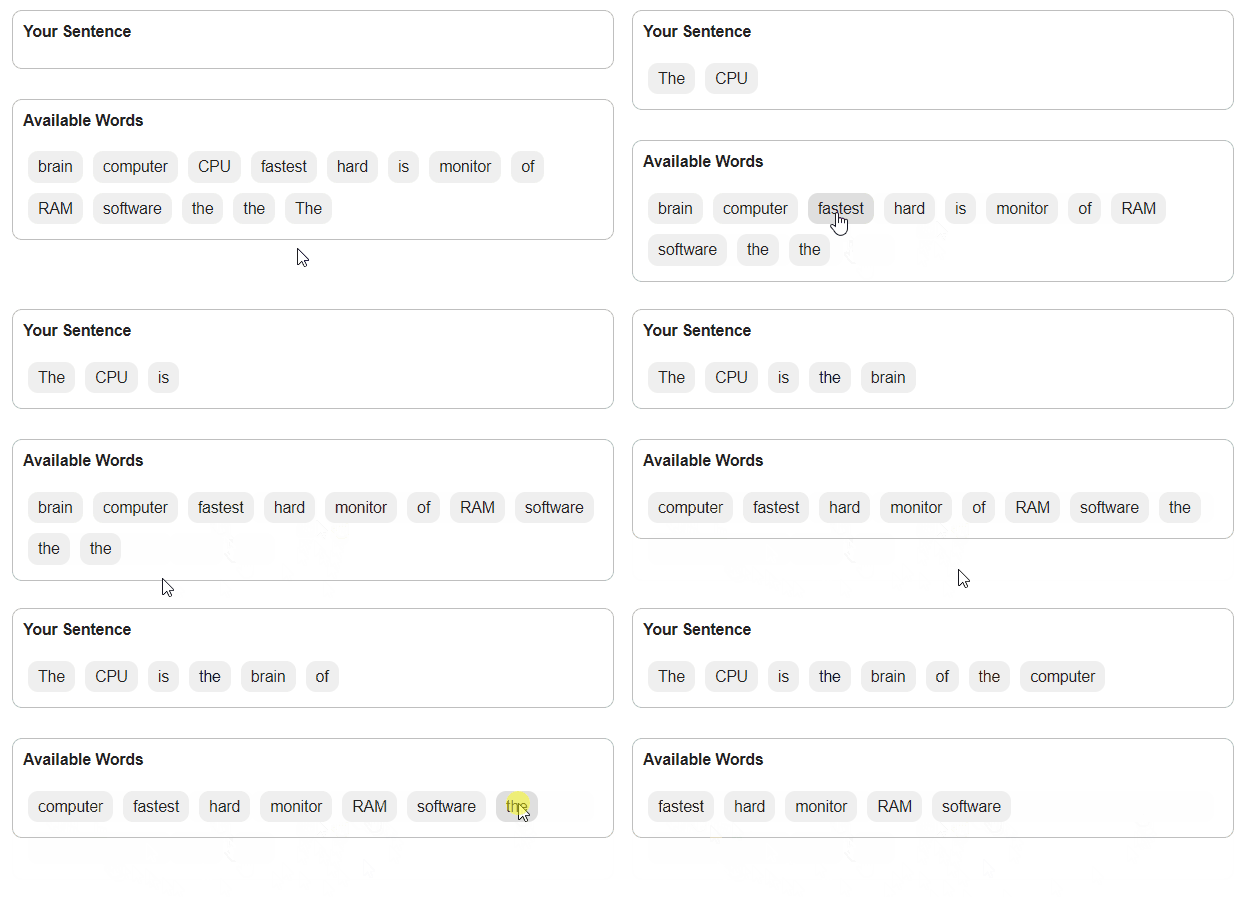
ProfExam Simulator - Question Sentence Ordering

Advanced Question Types

Support for 10 different question types for modern exams

ProfExam Simulator supports 10 different question types designed to cover academic, technical, and professional assessment scenarios.

From simple choice-based questions to advanced interactive formats, the platform allows you to create exams that truly measure knowledge and understanding.

Key Features:

  • 10 supported question types in a single exam
  • Single Answer and Multiple Answer
  • Fill in the Blank and Yes / No
  • Matching and ordering questions
  • Visual and image-based formats

Full Control Before the Exam

Configure every exam session to match your requirements

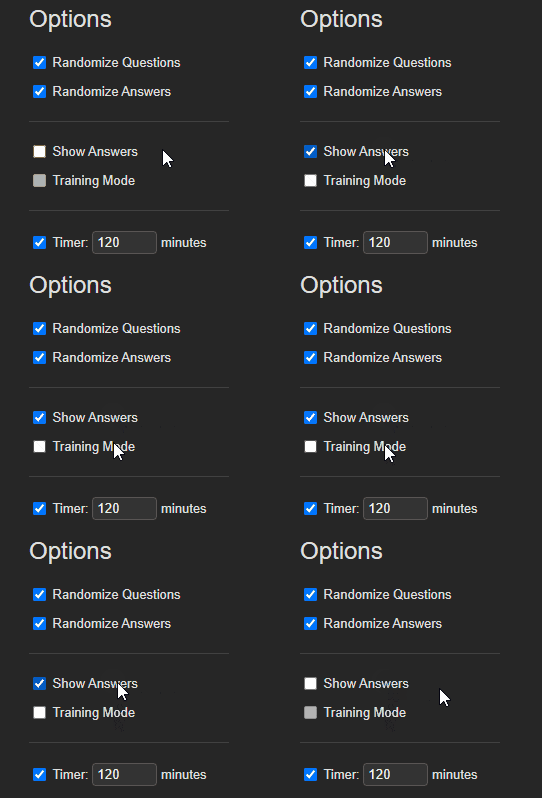
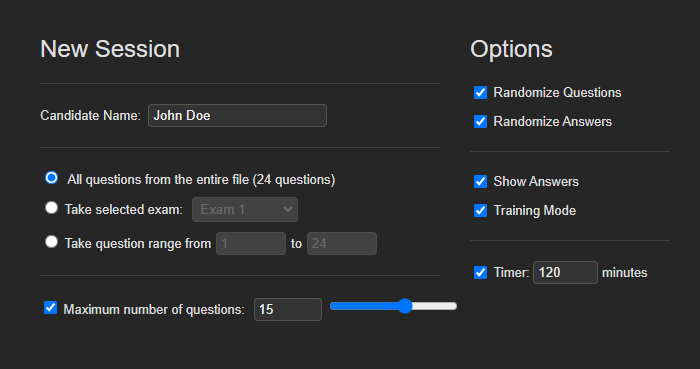
ProfExam Simulator allows you to precisely control how each exam is conducted before it starts. This is essential for both structured institutional exams and flexible self-study sessions.

You can define strict exam rules or allow a more relaxed testing environment - all without modifying the exam content itself.

Key Features:

  • Fixed or random question order
  • Answer shuffling options
  • Configurable time limits
  • Question count restrictions
  • Ability to enable or disable hints

ProfExam Simulator - Full Control Before the Exam

ProfExam Simulator - Smart Navigation During the Exam

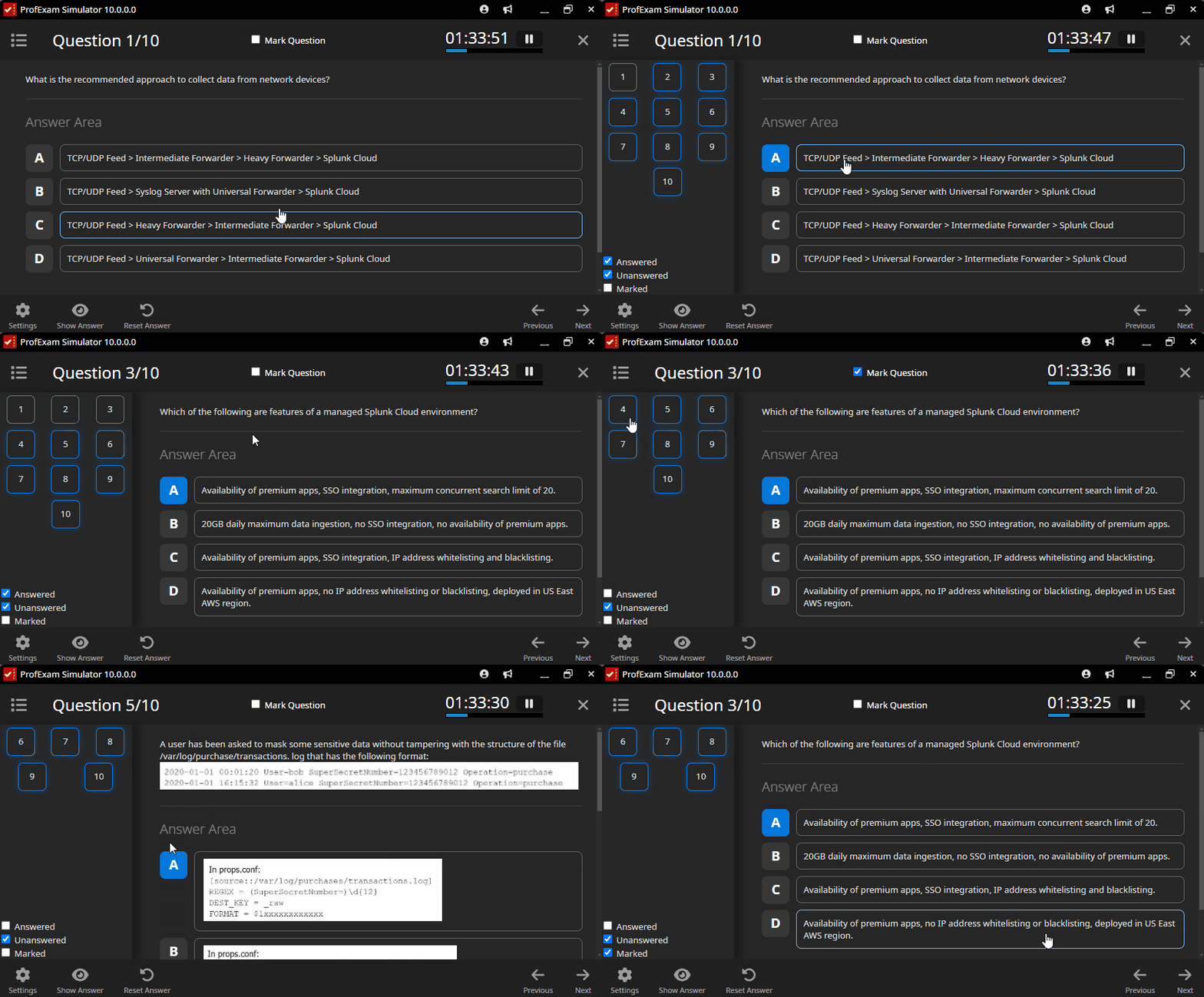
In-Exam Question Navigation

Stay in control of your progress throughout the exam

ProfExam Simulator provides a clear and efficient way to navigate through all exam questions while the session is in progress. This is especially important for long or complex exams where time management and overview matter.

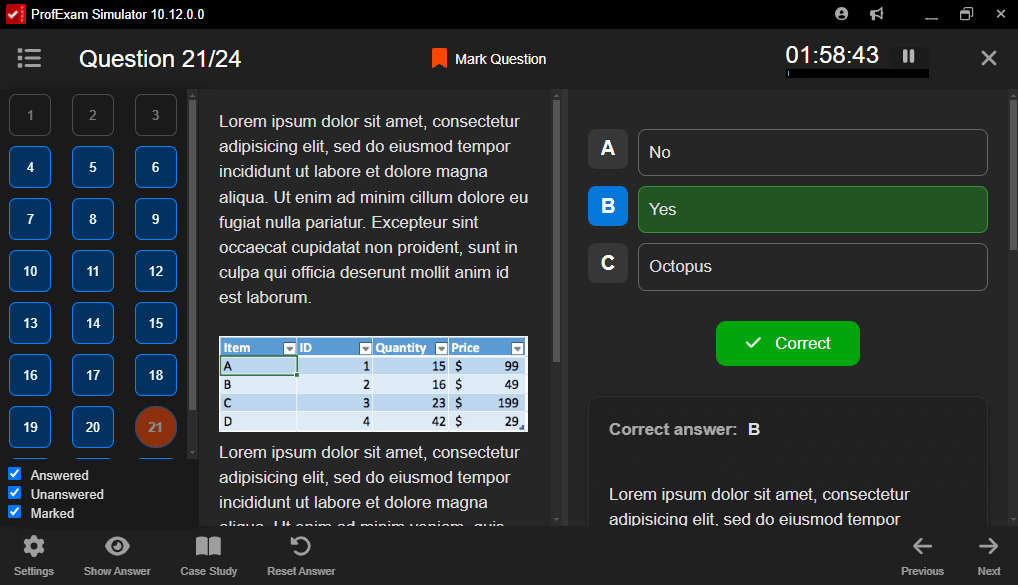
The question list gives instant access to every question and helps examinees track their progress without breaking exam focus.

Key Features:

  • Full list of all questions in one panel
  • One-click navigation to any question
  • Clear question status indicators:
    • Answered
    • Unanswered
    • Marked for review

Detailed Results and Evaluation

Understand performance, identify weaknesses, and improve outcomes

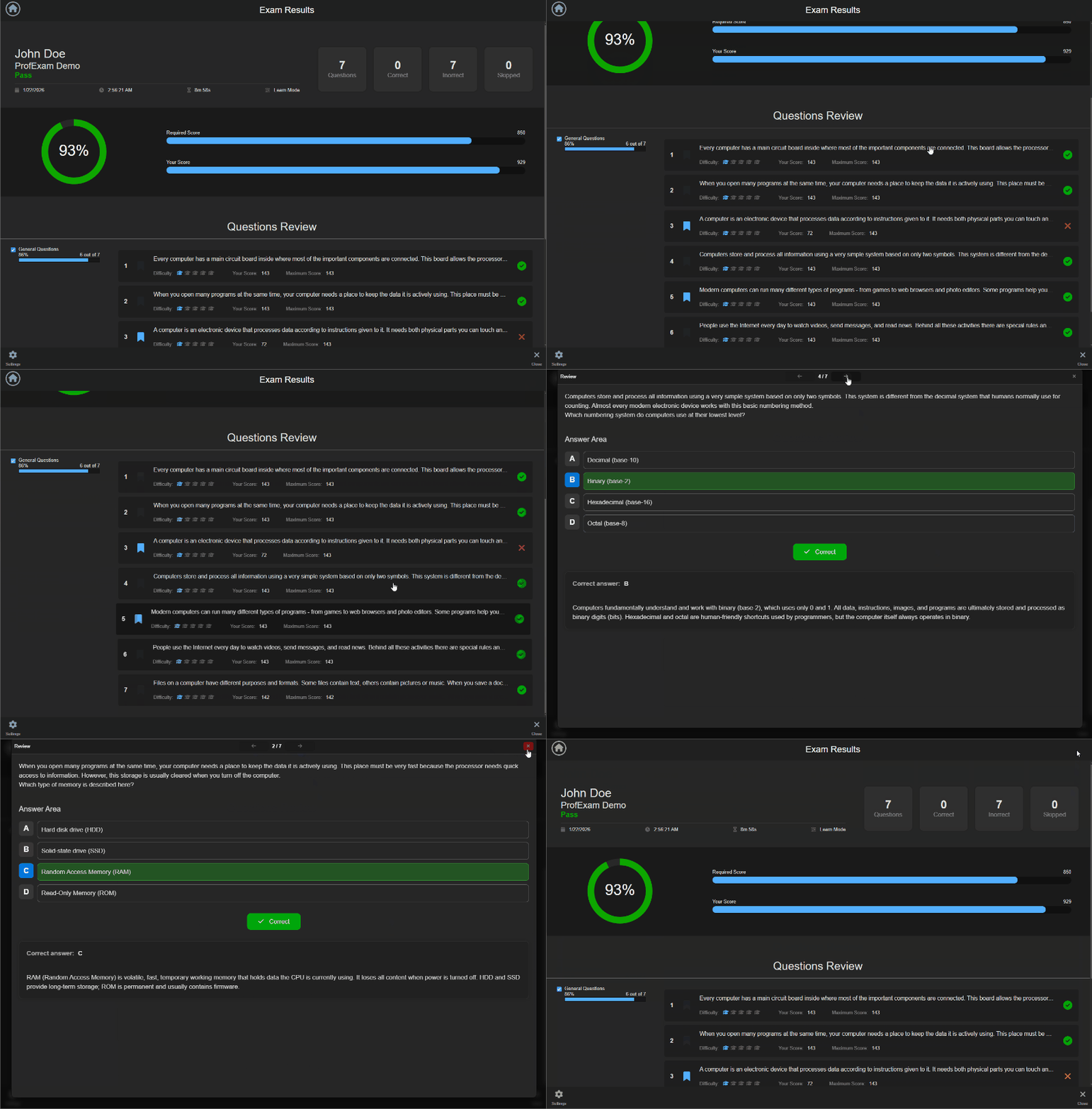
ProfExam Simulator provides detailed insights after each exam session, going far beyond a simple pass or fail result. Both learners and institutions can review answers, analyze mistakes, and objectively evaluate exam performance.

The results view is designed to support learning, assessment, and quality control.

Key Features:

  • Full review of all questions and answers
  • Dedicated view for incorrect and unanswered questions
  • Clear explanation and evaluation of each answer
  • Ability to retake exams using only incorrect questions

ProfExam Simulator - Detailed Results and Evaluation

ProfExam Simulator - Session History and Progress Tracking

Session History

Access completed and unfinished exam sessions at any time.

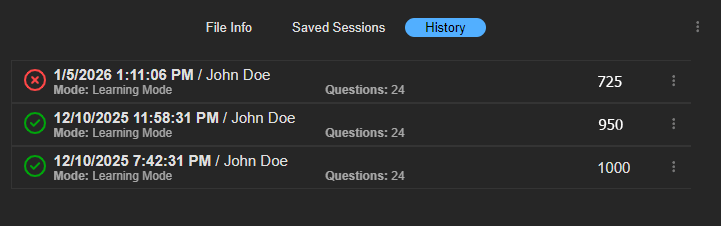
ProfExam Simulator automatically keeps a history of exam sessions, allowing users to return to previous attempts or continue exams that were not completed.

This is especially useful for long exams, classroom sessions, and situations where testing needs to be paused and resumed later.

Key Features:

  • List of completed exam sessions with detailed results
  • Ability to review results of any finished session
  • Option to retake an exam based on a previous session
  • Separate list of unfinished sessions
  • Resume an exam exactly from where it was paused

Comfortable and Modern Interface

Designed for long exams and extended study sessions

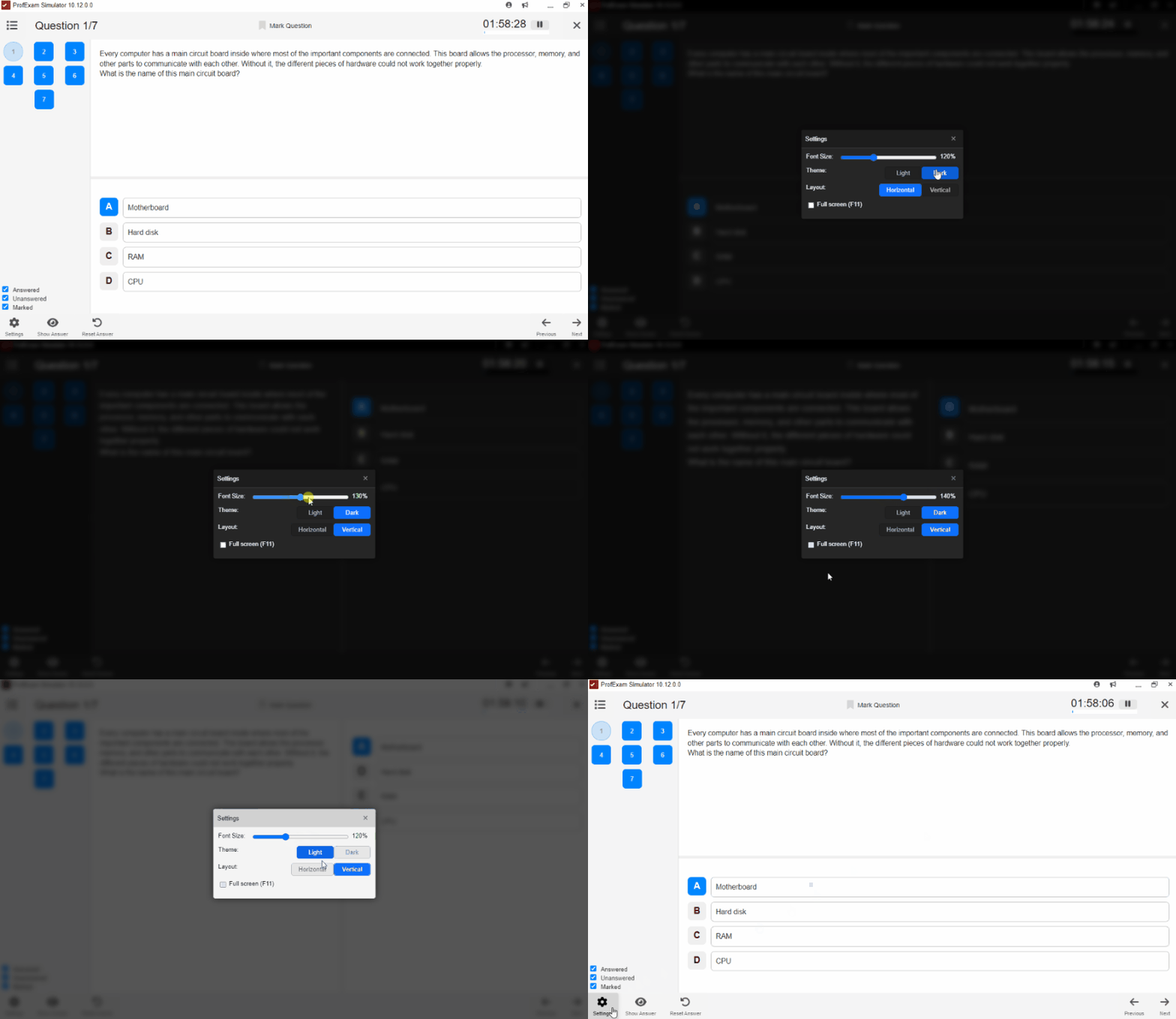
ProfExam Simulator features a clean and modern interface that helps users stay focused throughout the entire exam or assessment process. The interface is flexible and adapts to different preferences, screen sizes, and exam formats.

Visual comfort and layout control are especially important during long sessions, and ProfExam Simulator provides the necessary tools to adjust the workspace accordingly.

Key Features:

  • Adjustable font size for improved readability
  • Light and Dark themes
  • Flexible layout options (horizontal or vertical split)
  • Full-screen exam mode
  • Clean, distraction-free interface

ProfExam Simulator - Comfortable and Modern Interface

ProfExam Simulator - Secure Exam File Management

Secure Exam File Management

Manage exam files safely and efficiently

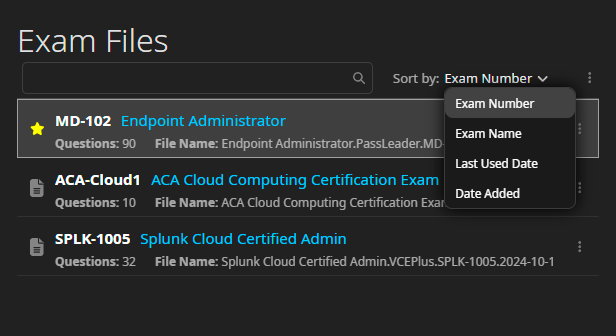
ProfExam Simulator provides a reliable way to work with exam files in both individual and institutional environments. Exams are stored and opened locally, ensuring full control over exam data and eliminating dependency on external services.

The application is well suited for organizations that manage large exam libraries and require predictable file handling.

Key Features:

  • Secure local handling of exam files
  • Support for large exam libraries
  • Drag & Drop opening of exam files
  • No limits on the number of exam files

Password-Protected Exams

Protect exam files from unauthorized access

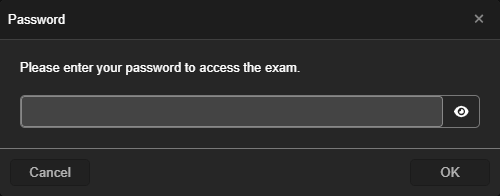
ProfExam allows exam authors and institutions to secure exam files with a password directly in the editor. When a protected exam file is opened in ProfExam Simulator, the application automatically requests the password before granting access.

This ensures that exam content remains confidential and can only be opened by authorized users.

Key Features:

  • Password protection applied in the exam editor
  • Password required to open the exam in ProfExam Simulator
  • Prevents unauthorized access to exam content
  • Suitable for institutional, classroom, and certification exams

ProfExam Simulator - Password-Protected Exams

Cross-Platform Exam Software

Run exams reliably on any major operating system

ProfExam Simulator is a fully cross-platform exam application designed for environments where consistency and reliability are critical. Educational institutions and organizations often use a mix of operating systems, and ProfExam Simulator ensures that exams behave identically on every device.

The same exam file can be opened, delivered, and evaluated on Windows, macOS, and Linux without any functional differences or compatibility issues.

  • Windows - classrooms and corporate environments
  • macOS - universities, educators, and personal devices
  • Linux - labs, secure environments, and custom deployments

With ProfExam Simulator, there is no need to maintain separate exam versions or adjust workflows for different platforms.