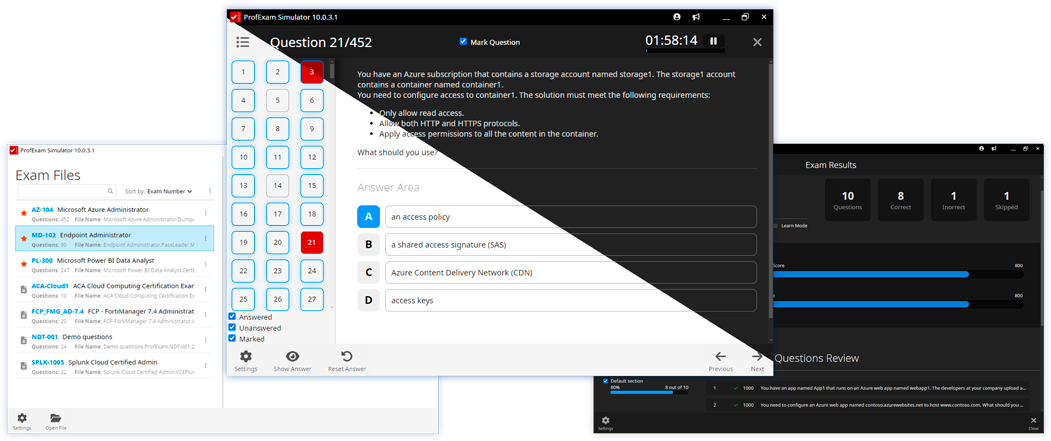
In the new version of ProfExam Creator 10.1.1.302, a long-awaited feature has been added - exam printing. A minor issue with Drag and Drop questions has also been fixed.
Exam Printing
You can now print exams directly from the application - useful for classrooms, offline testing, or reviewing materials on paper.
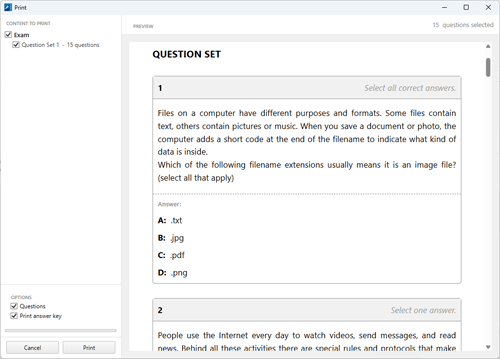
To open the print dialog:
- press Ctrl + P
- or click the printer icon in the toolbar
The printed output includes:
- all exam questions
- a separate section with answers
This is useful for conducting offline exams, preparing study materials, or reviewing knowledge in a printed format.
Drag and Drop Fix
A minor issue affecting Drag and Drop question types has been fixed.
Download
The new version is now available on our website - get it from the Downloads page: https://profexam.com/download.