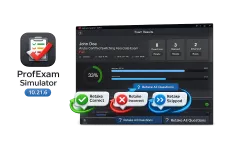
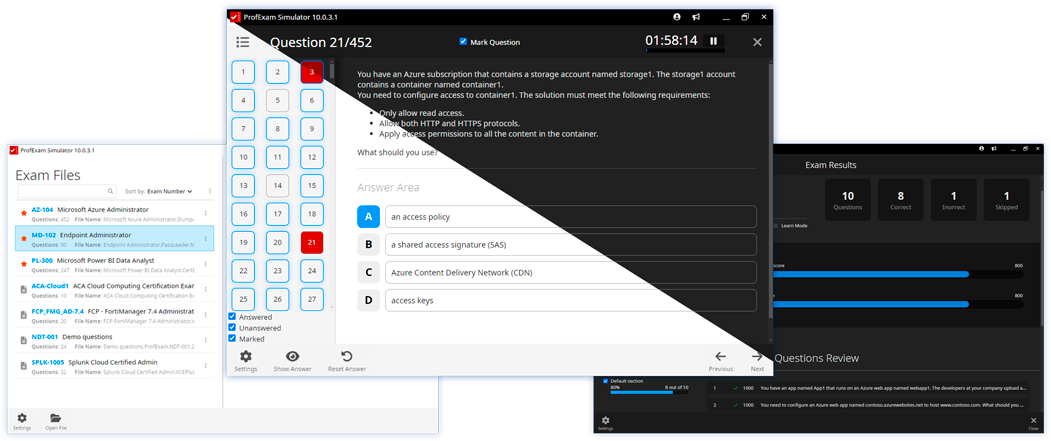
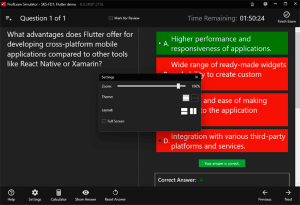
New in ProfExam Simulator 10.21: retake incorrect, correct, skipped, or all exam questions directly from the results screen for more effective certification exam preparation.
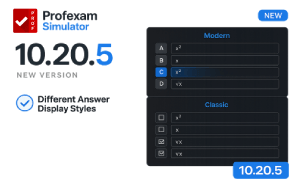
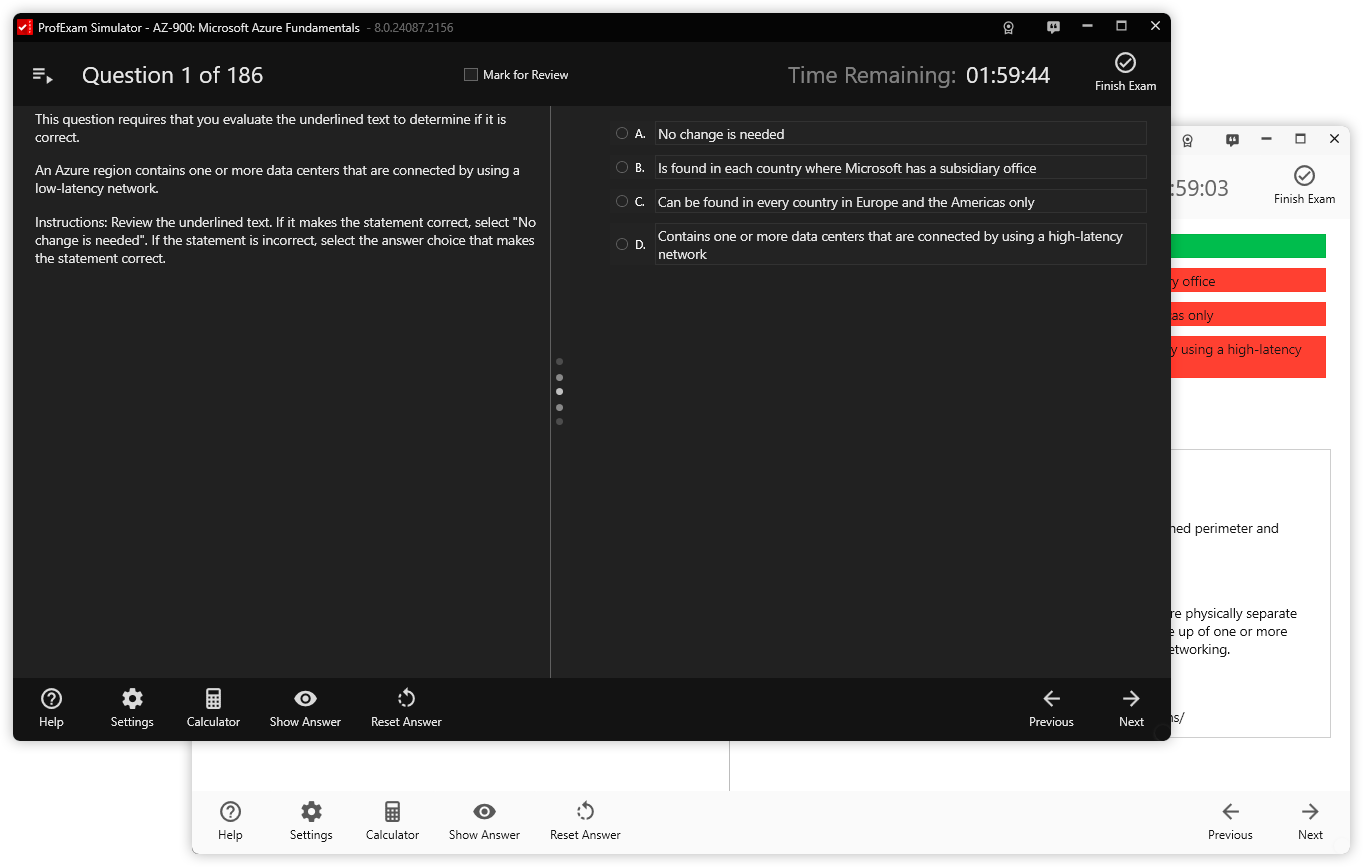
ProfExam Simulator 10.20.5 release notes: keyboard shortcuts, Modern and Classic answer display modes, Linux AppImage, macOS fix, and more.
ProfExam Simulator just got better - discover the latest update featuring rich text formatting in questions and answers, Alt+Left/Right keyboard shortcuts, an improved Finish Test dialog, and a new Linux .deb package.
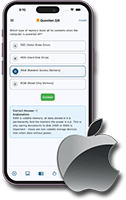
ProfExam Mobile for iOS is a powerful exam simulator app. Practice tests, track progress, and prepare for exams anytime on your iPhone or iPad.
Excited to share a ProfExam Simulator Preview update! The new version adds two key features to enhance result analysis and improve learning.
Discover the enhanced ProfExam Simulator Preview 10: faster performance, intuitive design, and powerful new features for seamless exam preparation. Upgrade your learning experience today!
We have chosen to distribute ProfExam Simulator for Linux in the AppImage format. This step-by-step guide provides detailed instructions to help Linux users easily launch ProfExam Simulator from an AppImage file.
The updated ProfExam Simulator now provides a full list of questions during the test, allowing you to instantly track your progress, quickly find specific tasks, and manage your time without unnecessary screen switching.
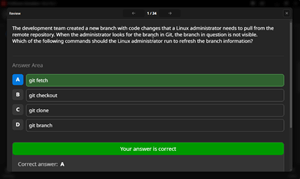
The long-awaited dark theme feature has been added to the ProfExam Simulator app by Sketchman Studio, providing users with convenience and reducing eye strain during exam preparation.
In ProfExam Simulator, the ability to scale the sizes of text and question images has been added.